
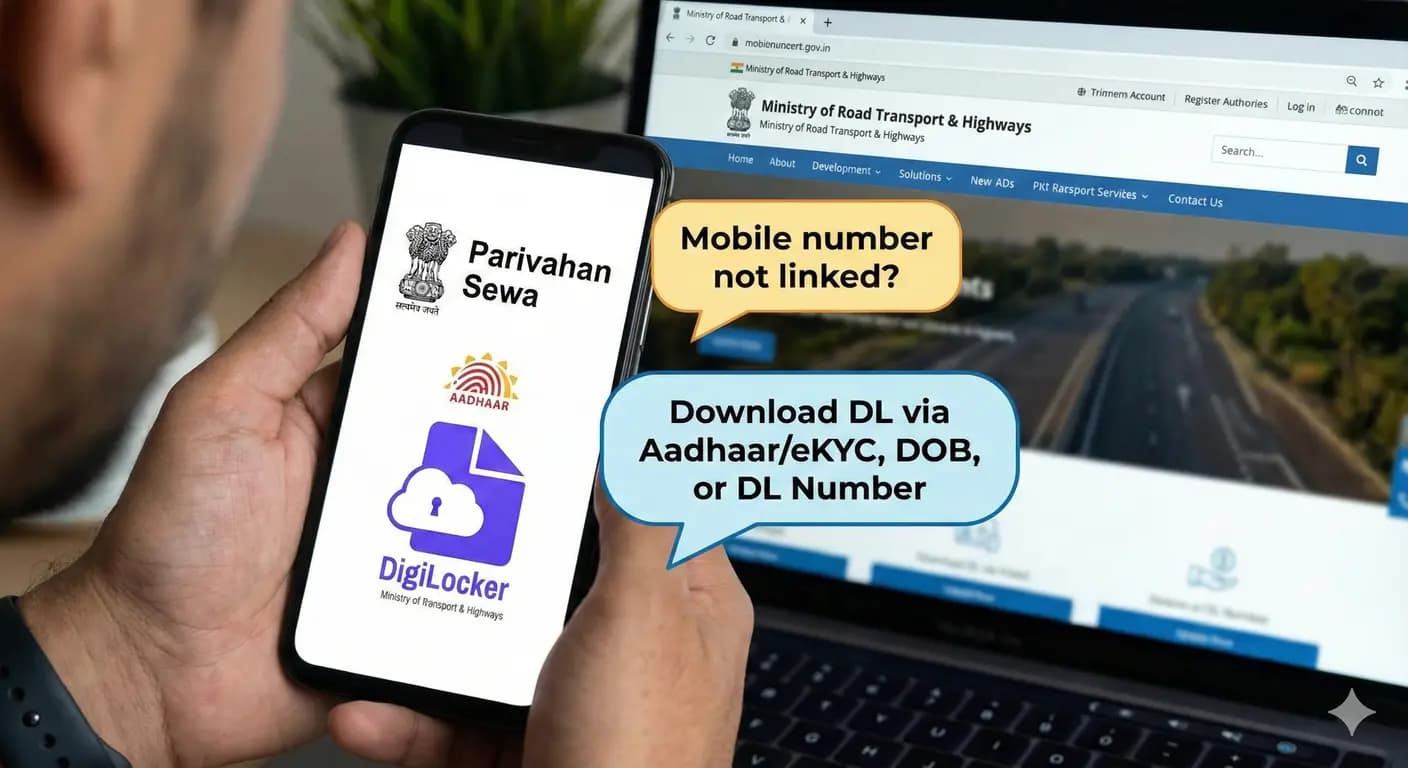
If your mobile number is not linked with your Driving Licence, you cannot receive OTP — and that stops you from downloading your DL online.
Don't worry
In this complete guide, you will learn:
- How to download DL without registered mobile number
- Alternative methods (Aadhaar + Digilocker + State RTO)
- Offline solution to update/activate mobile number
Method 1: Download DL Using Aadhaar (Digilocker)
Even if mobile number is not updated with RTO, you can download DL if Aadhaar is linked.
Steps:
- Open Digilocker App / Website
- Login using Aadhaar + OTP (linked mobile)
- Go to Issued Documents → Ministry of Road Transport & Highways
- Select Driving Licence
- Enter:
- Name (as per DL)
- DOB
- DL Number
- State
- Download Digital DL PDF / mDL
Official + Accepted everywhere
Works even if RTO doesn't have your number
Method 2: Download DL Without OTP (Parivahan)
If your state supports eKYC, no OTP required on DL-linked number.
Steps:
- Open Parivahan → Driving Licence Related Services
- Select State
- Go to DL Services → Print Driving Licence
- Enter:
- Application Number
- DOB
- eKYC verification (Aadhaar)
Activate DL for download
Shows dispatch / print status also
Tip: Try later if portal shows "Pending Record Synchronization"
Method 3: Contact RTO to Update Mobile Number
If no Aadhaar or Digilocker access Update number offline
Carry:
- Driving Licence copy
- Aadhaar card
- Application form at RTO
- Biometric verification
Update time: 24–48 hours
After update Download DL normally from Parivahan
Method 4: Ask for DL Soft Copy at RTO
If your DL is approved but not delivered, you can:
- Request soft copy print at RTO
- They will provide PDF or printed acknowledgement
Especially helpful if DL card delayed
Must carry ID proof & application slip
Quick Comparison Table
| Method | Works If Mobile Not Linked | Time Required | Charges |
|---|---|---|---|
| Digilocker | Yes | 2–5 mins | Free |
| Parivahan eKYC | Yes | 5–10 mins | Free |
| Update Mobile No. | Must visit RTO | 1–2 days | ₹0–₹100 |
| RTO Counter | Yes | Same day | Varies |
When You Cannot Download Online
If:
- Biometrics not completed
- DL not approved by Licensing Officer
- Wrong name/DOB mismatch in system
Visit RTO to fix record then download again
Check DL Dispatch Status
Track via:
- Parivahan DL Status
- India Post Speed Post Tracking (if shipped)
Frequently Asked Questions (FAQs)
Q1: Can I download DL only using Aadhaar card?
Yes, if Aadhaar is linked & identity matches.
Q2: My DL not showing in Digilocker?
Name mismatch update Digilocker profile OR sync via Parivahan.
Q3: My phone number is wrong in RTO records. What to do?
Update mobile number by visiting your RTO biometric required.
Q4: Is digital DL valid on road?
Yes, Digilocker/mParivahan is accepted under Motor Vehicles Act.
RC Detail
RTO operations & documentation specialist
Mobile number not linked with driving licence? Download your DL online using Aadhaar/eKYC, DOB or driving licence number. Step-by-step Parivahan & Digilocker guide.