
Quick Access to Accurate Information
Get verified RTO office addresses, contact numbers, and RTO codes directly from government transport portals like Parivahan Sewa and state transport websites. No need to rely on outdated or third-party lists.

Check RTO Office Details, Vehicle RC Status & Driving Licence Information in One Place
The Regional Transport Office (RTO) is the official government department that handles all vehicle registration, driving licence, and road transport services in every state of India. Each RTO has a unique RTO code that helps identify your vehicle's registration area — for example, MH12 for Pune in Maharashtra or UP32 for Lucknow in Uttar Pradesh.
RTO offices are managed by the Ministry of Road Transport & Highways (MoRTH) and play a vital role in maintaining records of every vehicle and driver in India.
Today, most RTO services are available online through Parivahan Sewa and official State Transport Department websites. You can easily:
By using trusted portals like RTO Office Details and Parivahan.gov.in, you can save time, avoid long queues, and access verified information anytime, anywhere.
Access comprehensive RTO information for all Indian states and union territories
Interactive
Explore every state and union territory visually. Move your cursor to highlight a region and view quick facts instantly.
Spotlight
Capital · National Coverage
Use your cursor (or tap on touch devices) to highlight each Indian state and instantly see contextual insights.
If you need to find details about an RTO office — such as its location, contact number, or the district it covers — there are multiple ways to do it. Here are all possible methods to check RTO office details online in India:
The Parivahan Sewa website (by the Ministry of Road Transport & Highways, Government of India) offers an easy way to find any RTO office across India.
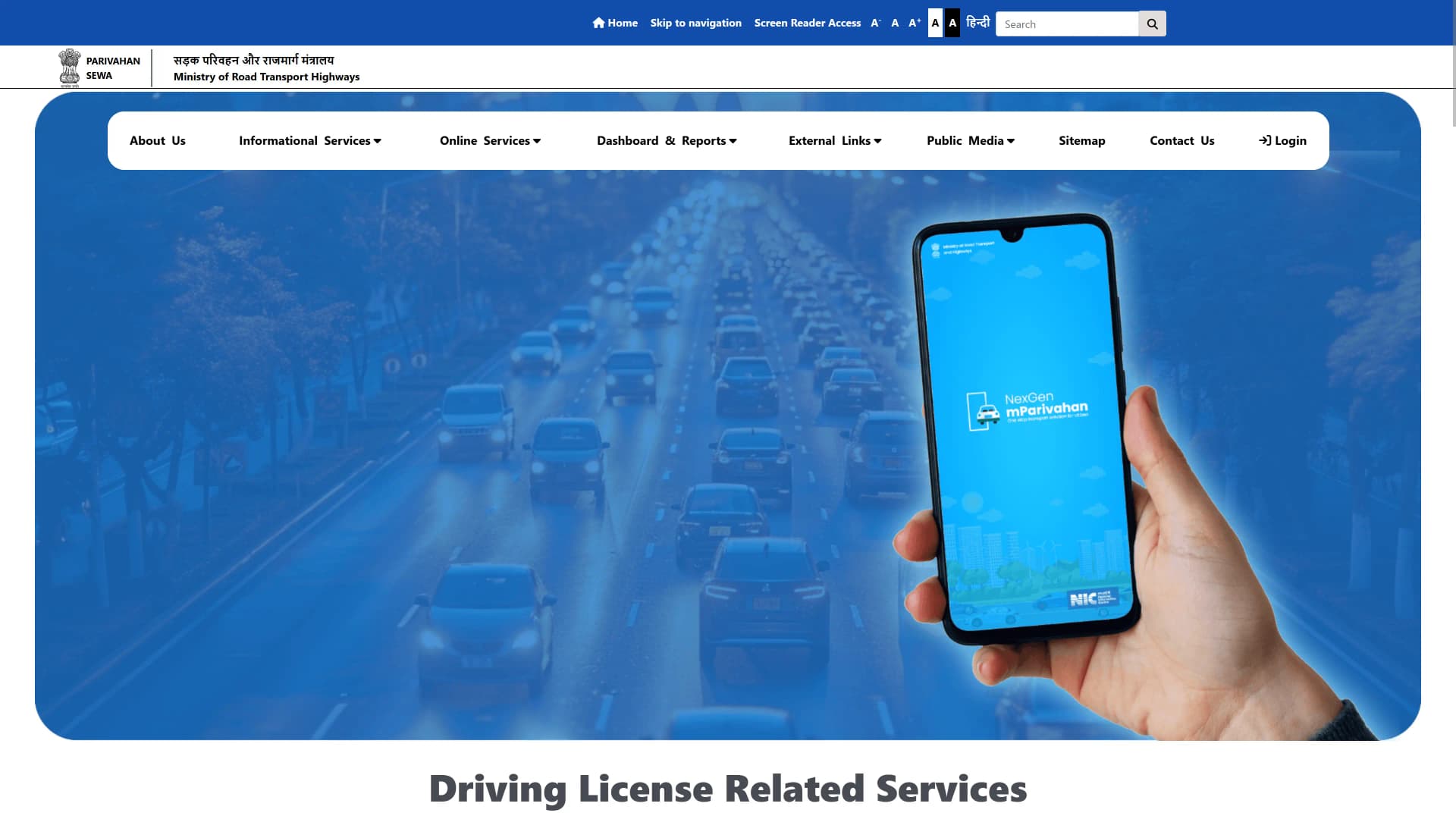
Live view of Parivahan Sewa interface
Visit Parivahan PortalYou can also identify the RTO office just by knowing your vehicle's registration number.
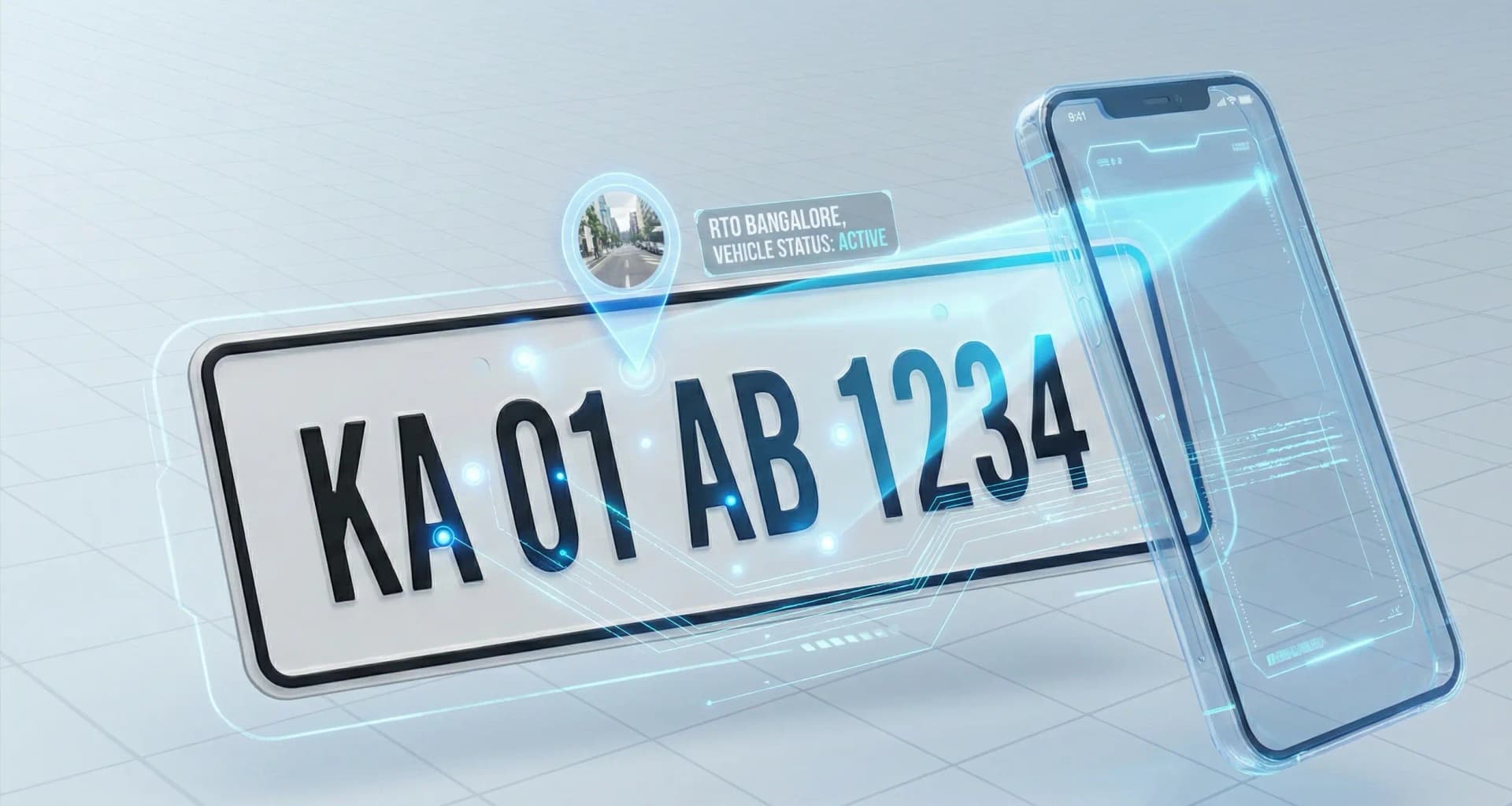
If your vehicle number is MH12AB1234
If you already have an RTO code like KA01, UP32, or DL10, you can directly find office details.
RTO Code DL10 → RTO Office: South Delhi (Vasant Vihar)
Our website includes a comprehensive state-wise RTO code directory where you can search by code or district name.
Each state has its own Transport Department website, which provides the most detailed local RTO information.
The mParivahan mobile app also provides access to vehicle and RTO office details.
It's an official government app by MoRTH, making it one of the most reliable tools.
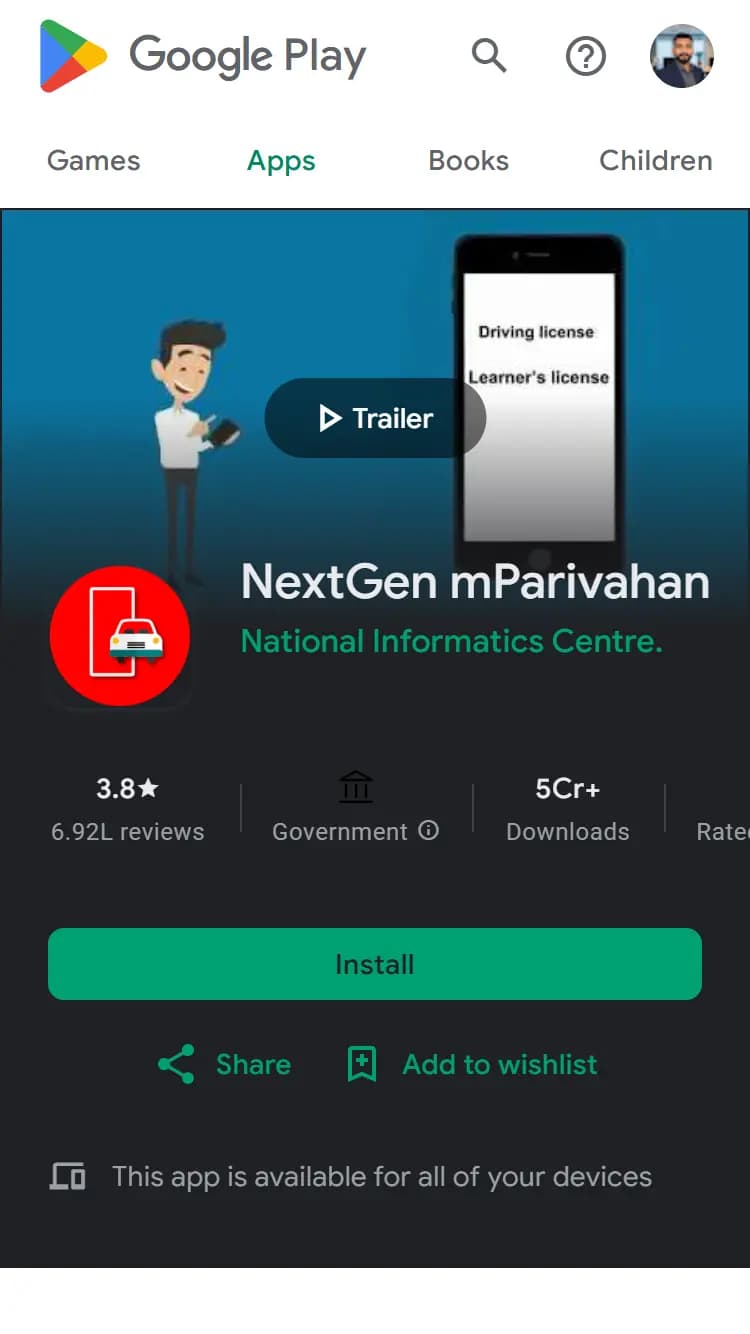
Official mParivahan mobile app
Download mParivahan AppHere on RTO Office Details, we maintain a complete state-wise database of all RTO offices in India.
Our data is regularly updated using information from publicly available sources on the internet.
Benefits
Checking your RTO Office Details online offers several advantages that make managing your vehicle documents, RC book, and driving licence easier and faster. With official data from Parivahan and state transport departments, you can save time, avoid unnecessary visits, and ensure your information is always accurate.
Quick Access to Accurate Information
Get verified RTO office addresses, contact numbers, and RTO codes directly from government transport portals like Parivahan Sewa and state transport websites. No need to rely on outdated or third-party lists.
Save Time and Effort
Avoid long queues at the RTO by checking office details, working hours, and available services online before visiting. This helps you plan your visit more efficiently.

Official data sourced from Google
State-wise and district-wise RTO code list
Simple guides for RC, DL, and insurance services
Fast access to contact and office information
Without searching multiple sites
Free and regularly updated information
Using your vehicle registration number (like MH12 or UP32), you can instantly identify which RTO your vehicle is registered under, its district, and office location.
Whether you live in Maharashtra, Karnataka, or Uttar Pradesh, you can find every state-wise RTO code list and office directory without switching between multiple websites.
RTO offices regularly update service timings, contact emails, and officer details. Checking online ensures you have the latest and most accurate information.
By using trusted sources like RTO Office Details and Parivahan, you avoid incorrect data, wrong addresses, or outdated contact numbers often found on unverified sites.
Whether you need to download your RC book, renew your Driving Licence, or apply for vehicle fitness or permit, knowing your RTO's contact and jurisdiction is the first step in completing any process correctly.
You can check RTO office details online 24×7 from your phone or laptop, eliminating the need for in-person inquiries or office visits.
Why Our Portal
Official data sourced from Google
State-wise and district-wise RTO code list
Simple guides for RC, DL, and insurance services
Fast access to contact and office information
Without searching multiple sites
Free and regularly updated information
Download your registration certificate digitally using Parivahan or DigiLocker.
Get your DL soft copy, check status, and renewal details online.
Compare, renew, and get quotes instantly from top insurers.
Check masked owner name, registration authority, and fuel type.
Verify vehicle fitness certificate validity and permit details.
FAQ
Find answers to common questions about RTO office details and services
RTO Office Details is an informational portal created to help users easily find RTO office details, RC and DL status, and insurance information.
We are not an official government website. All data and links provided are for informational purposes only.
For any official verification, please visit https://parivahan.gov.in/ or your respective State Transport Department.
Latest Guides
Step-by-step guides to help you navigate RTO processes, vehicle documentation, and compliance requirements
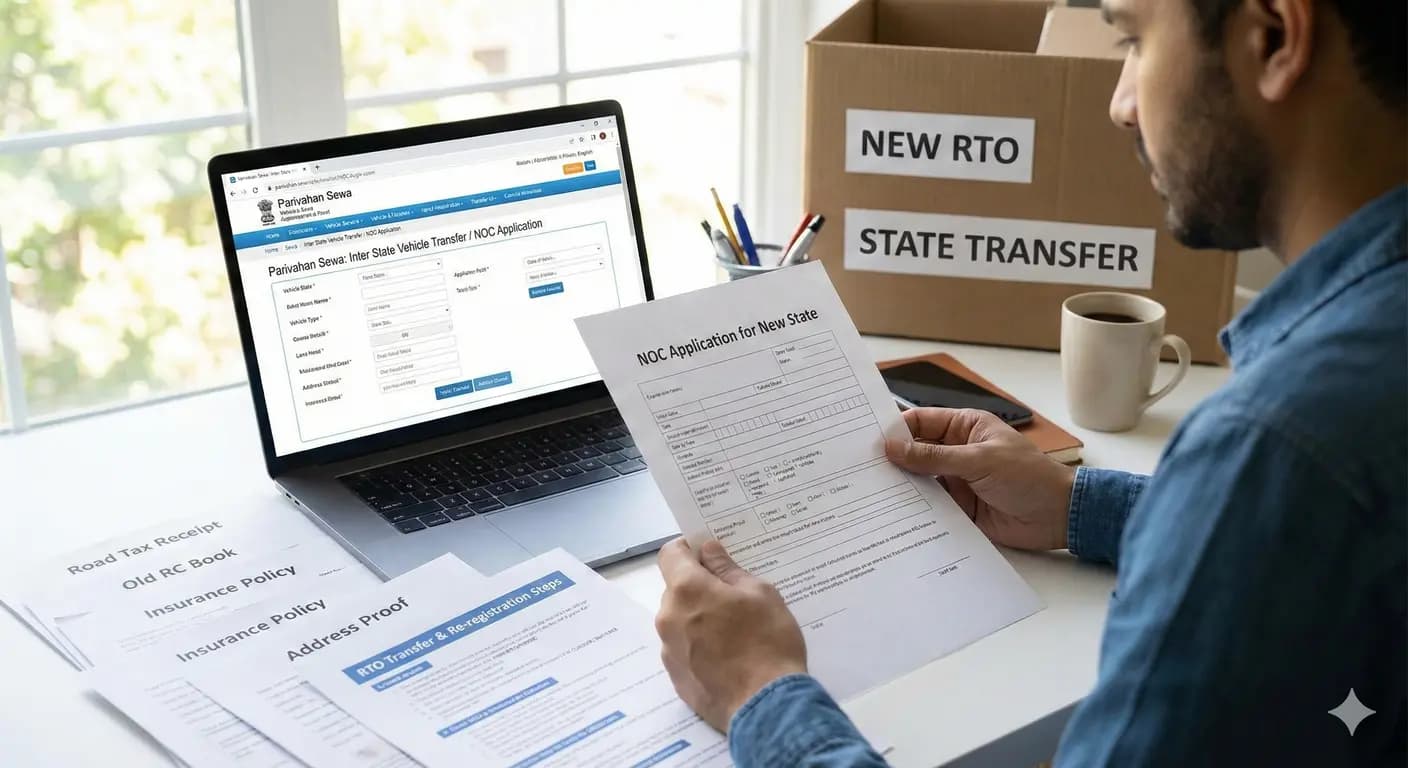
Loan closed? Remove hypothecation from RC online through Parivahan. Full guide on Form 35, bank NOC, required documents, fees, processing time & download updated RC.
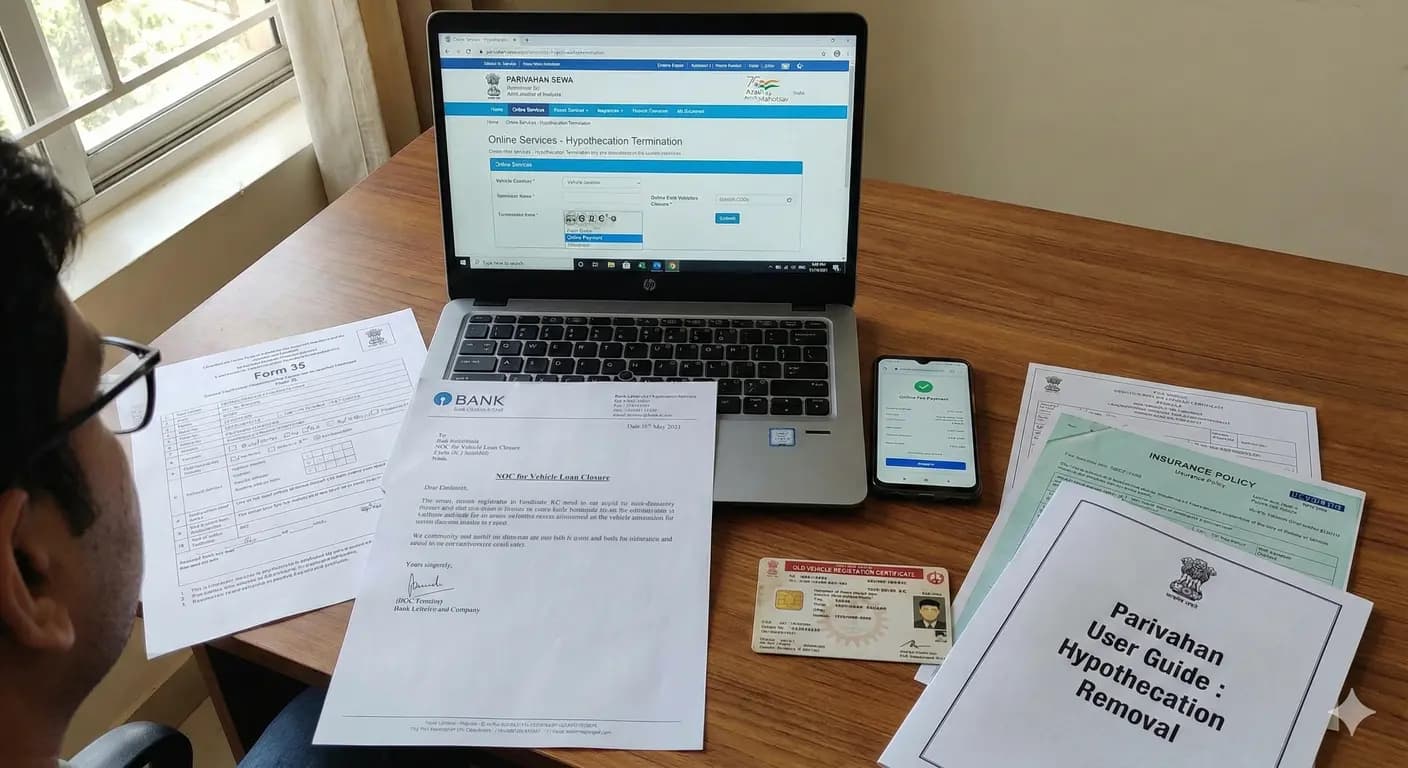
Shifting to another state? Learn how to transfer your vehicle to a new RTO. Step-by-step NOC process, re-registration fees, documents, and road tax refund details.

Lost vehicle RC book? Apply for a duplicate RC online through Parivahan or RTO. Check required documents, police complaint, fees, processing time, and delivery tracking.
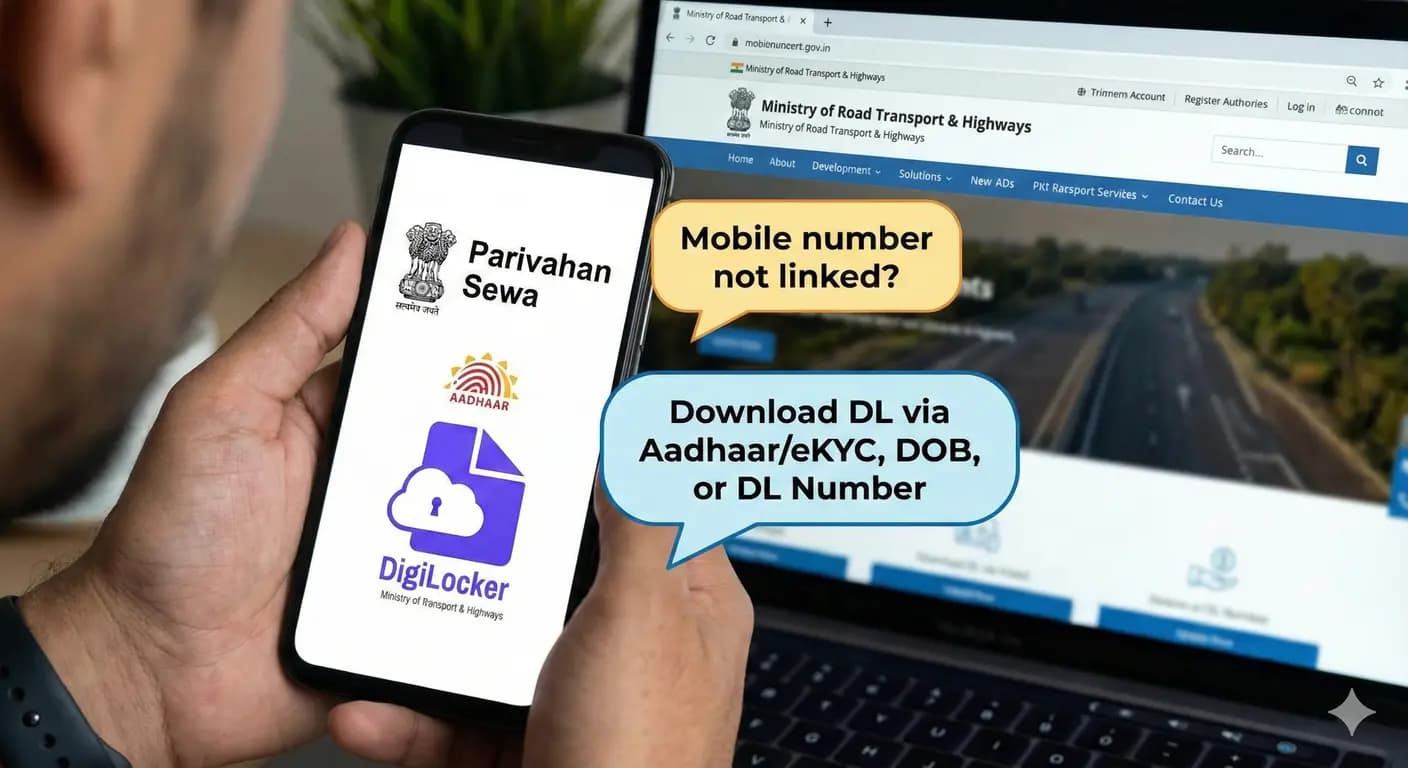
Mobile number not linked with driving licence? Download your DL online using Aadhaar/eKYC, DOB or driving licence number. Step-by-step Parivahan & Digilocker guide.